




What is MagSafe? Watch the video
Understand MagSafe in three minutes
This page is built for watching the video. Watch it first — below you'll find a summary, the key points and the links you need to choose MagSafe cases and accessories.
More videos: Lastu on YouTube
Four things it answers
- What MagSafe is and what magnetic alignment actually does.
- Why wireless charging lands on target when the coil lines itself up.
- How accessories swap over — wallet, grip and stand, without glue.
- How the same idea works on Android using a magnet ring.
The video in short
What MagSafe is
The video explains MagSafe as magnetic alignment: bring an accessory to the back of the phone and the magnets guide it into the right place. Day to day that means less fiddling — the attachment feels the same every time.
Why charging feels more reliable
In wireless charging even a small offset can drop the power or stop the charge. Magnetic alignment reduces that, because the charging point lines itself up.
Accessories change with the situation
An accessory isn't a permanently glued decision. Same case, different moment: a wallet at home, a mount in the car, a grip on the move. See the accessory guide →
MagSafe on Android
The video shows the practical route: a magnet ring built into the case brings the same idea to Android phones. Lastu fits the ring into Samsung, OnePlus, Google Pixel and Realme cases.
When a MagSafe case makes sense
- When you use accessories — a wallet, a grip or a stand — and want to switch between them quickly.
- When you want wireless charging to work without lining the phone up by hand.
- When you don't want glue or marks on the back of the phone.
Frequently asked questions about the video
Do I need a MagSafe case to use accessories?
Yes. The magnet ring is in the case, so without the MagSafe option accessories will not attach. A deeper comparison: MagSafe on iPhone and Android.
Can MagSafe be used without glue?
Yes, and that is the whole point. The magnets do the holding, so an accessory comes off and swaps over without tape or adhesive.
Where do I find a longer guide after the video?
In the article What is MagSafe? – a clear guide, which expands the points in the video into text.
Related
Guides, news, and blogs
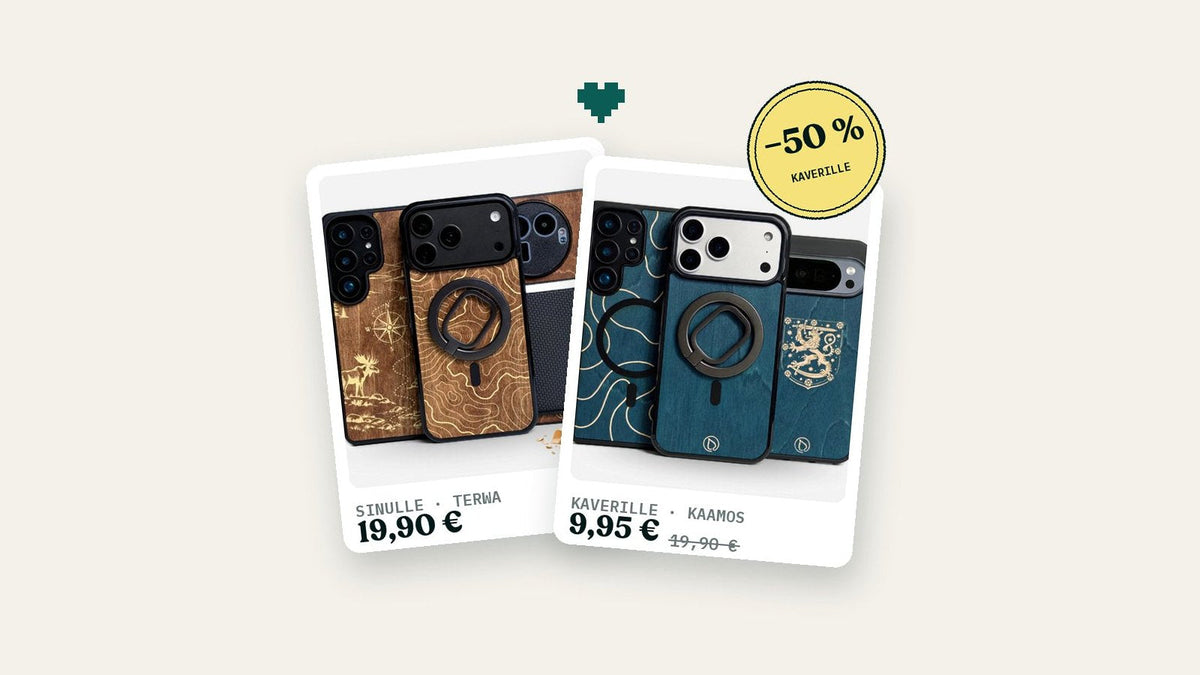
Second case −50 % – one for a friend too
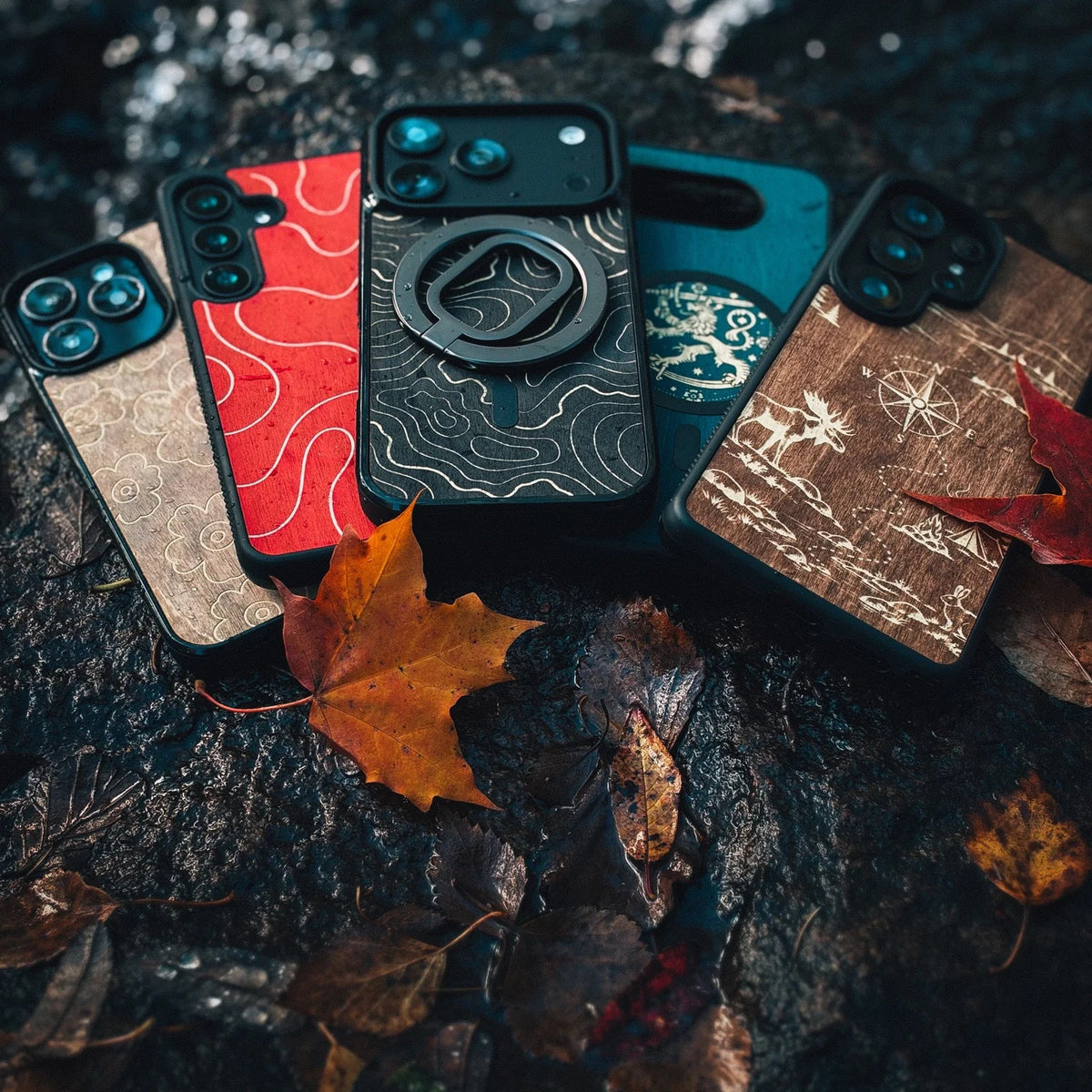
Four new designs have joined the engraving collection: By the Fire, Lion Coat of Arms, Terrain Contours, and Reindeer Antlers. All engravings in the collection are free on Lastu wooden phone cases, and you can now add a map engraving to any wooden phone case for an extra €5.
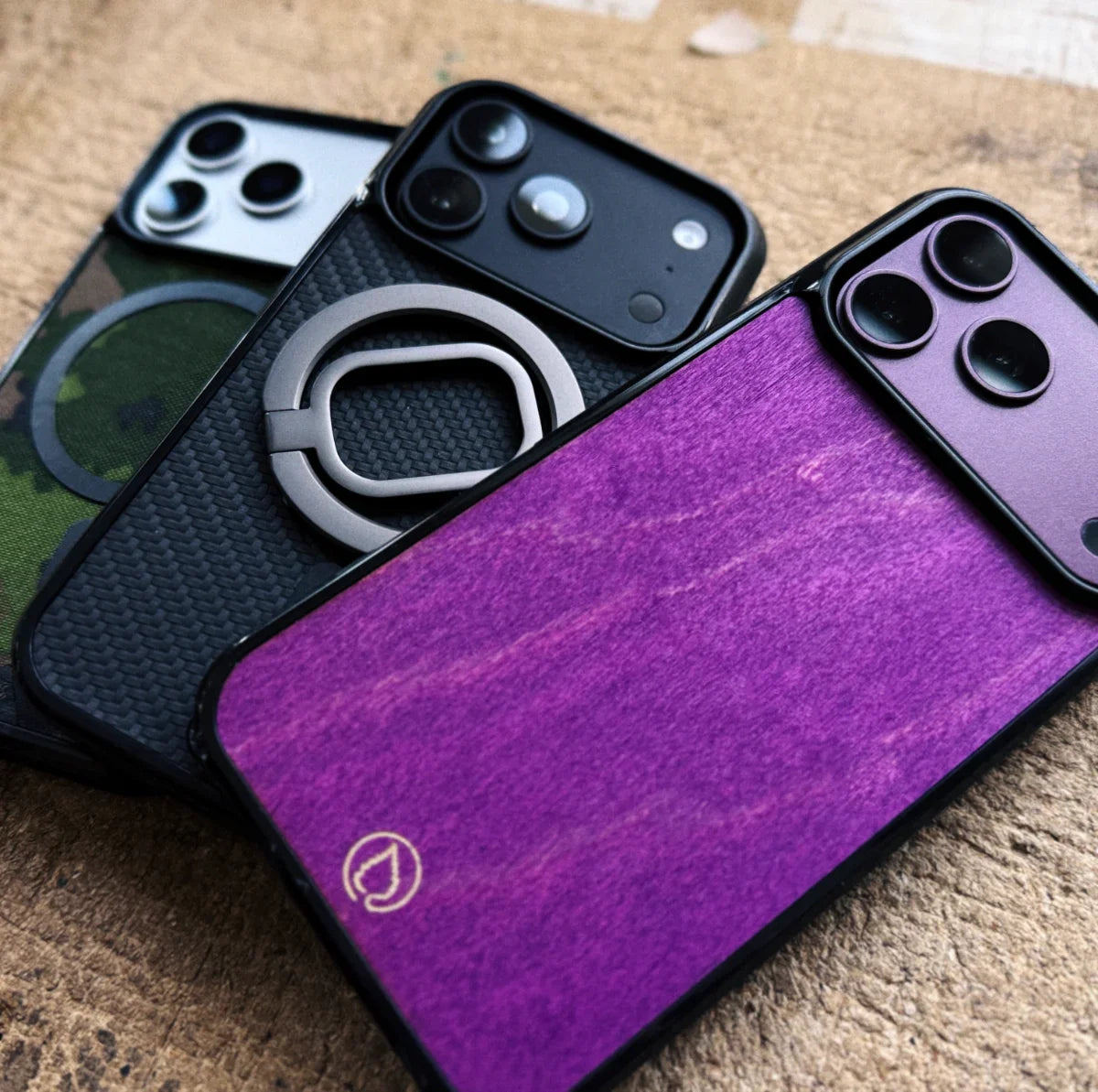
iPhone 18 Pro and 18 Pro Max cases are now available to order
The iPhone 18 Pro and 18 Pro Max just got their own Lastu cases – available to order now. Wooden cases, M05 camo fabric, carbon-fibre-look KARB, MagSafe and your own photo or engraving with a live preview. And if you already own a Lastu 17 Pro case, it fits the 18 Pro too.
Read moreabout iPhone 18 Pro and 18 Pro Max cases are now available to order
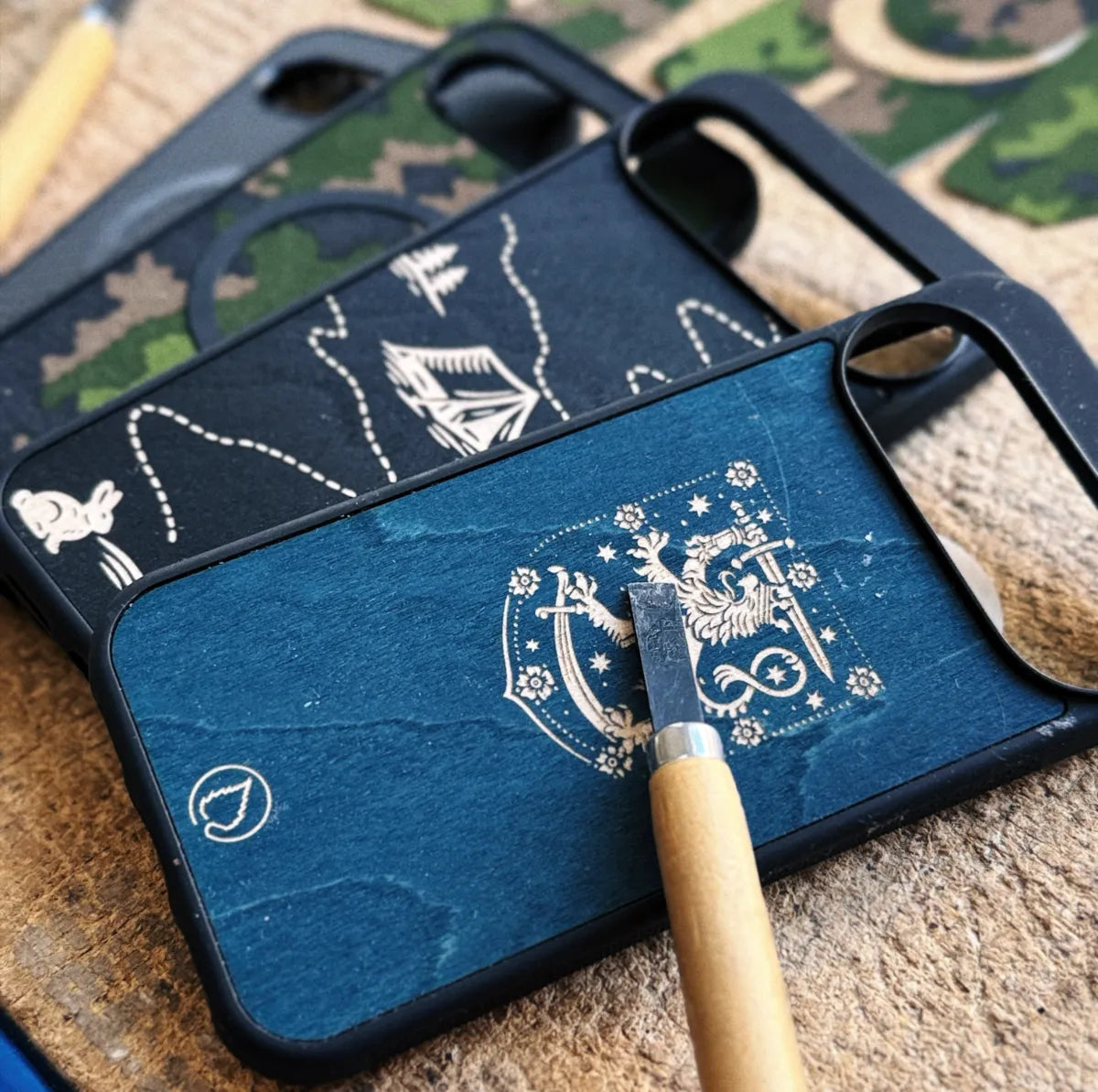
Google Pixel 11, 11 Pro and 11 Pro XL cases are now at Lastu
The Google Pixel 11, 11 Pro and 11 Pro XL now have their own Lastu cases. Why the Pixel 11 and 11 Pro don't share a case, how PixelSnap magnets and MagSafe work with a wooden case, and what people really look for in a Pixel case – seven questions answered.
Read moreabout Google Pixel 11, 11 Pro and 11 Pro XL cases are now at Lastu

Realme phone cases are coming to Lastu: GT 8 Pro, 16 Pro+, 16 Pro and 16
Read moreabout Realme phone cases are coming to Lastu: GT 8 Pro, 16 Pro+, 16 Pro and 16
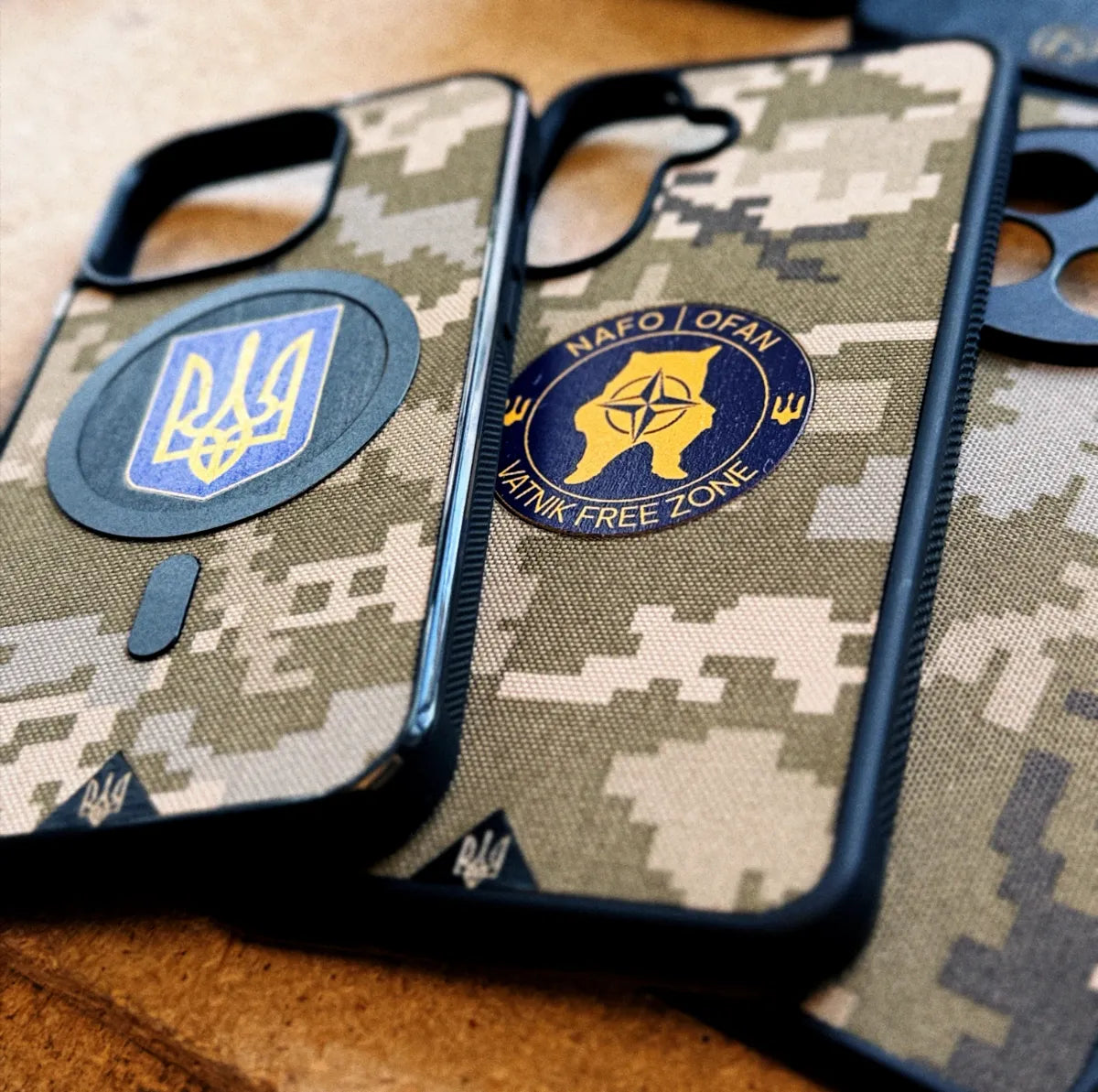
Genuine camouflage phone cases: M05, M04, MM14, Flecktarn, M90 and MultiCam
Read moreabout Genuine camouflage phone cases: M05, M04, MM14, Flecktarn, M90 and MultiCam
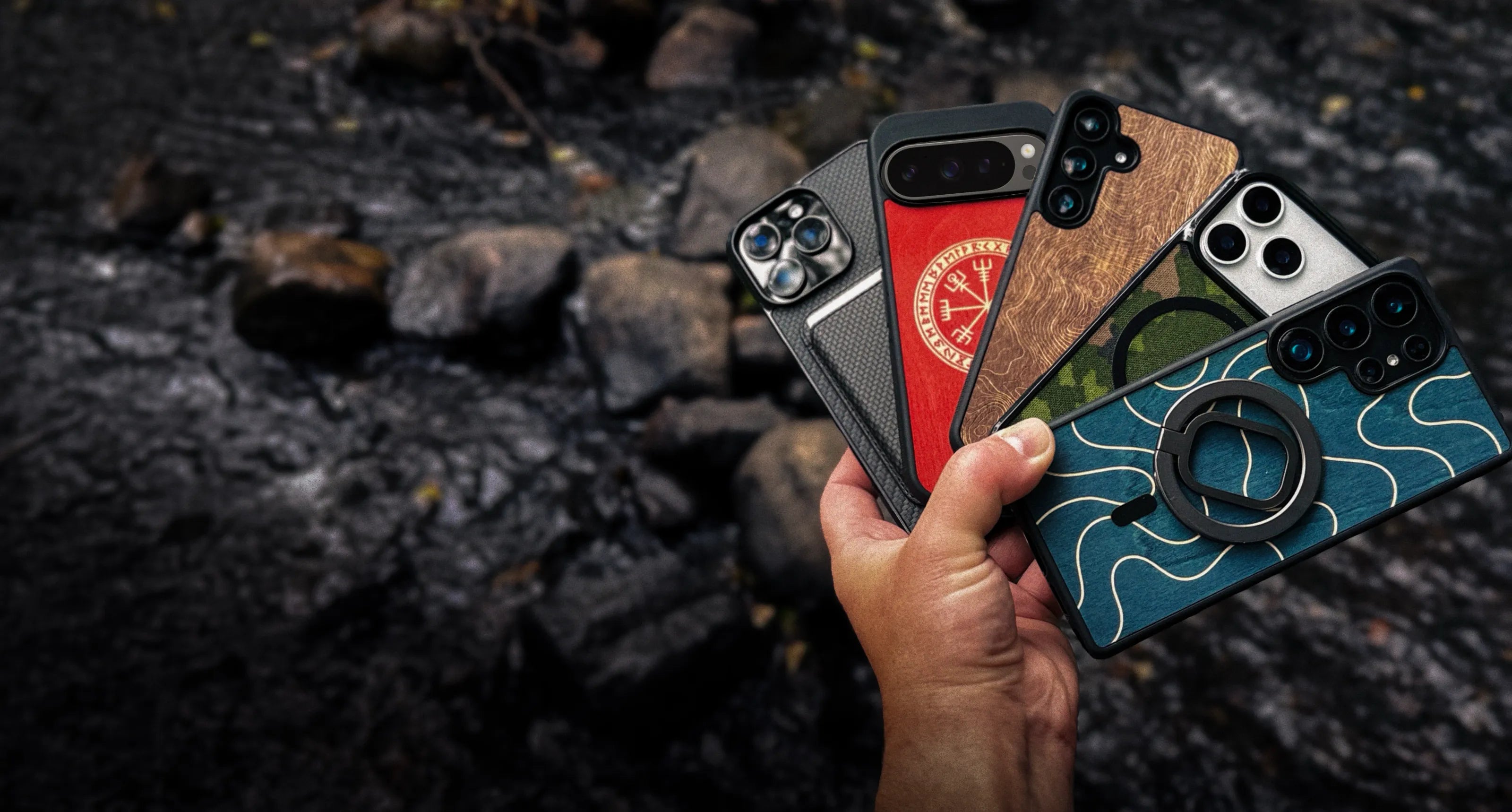
Genuine birch wood phone cases – colors, finishes, and tar
Read moreabout Genuine birch wood phone cases – colors, finishes, and tar
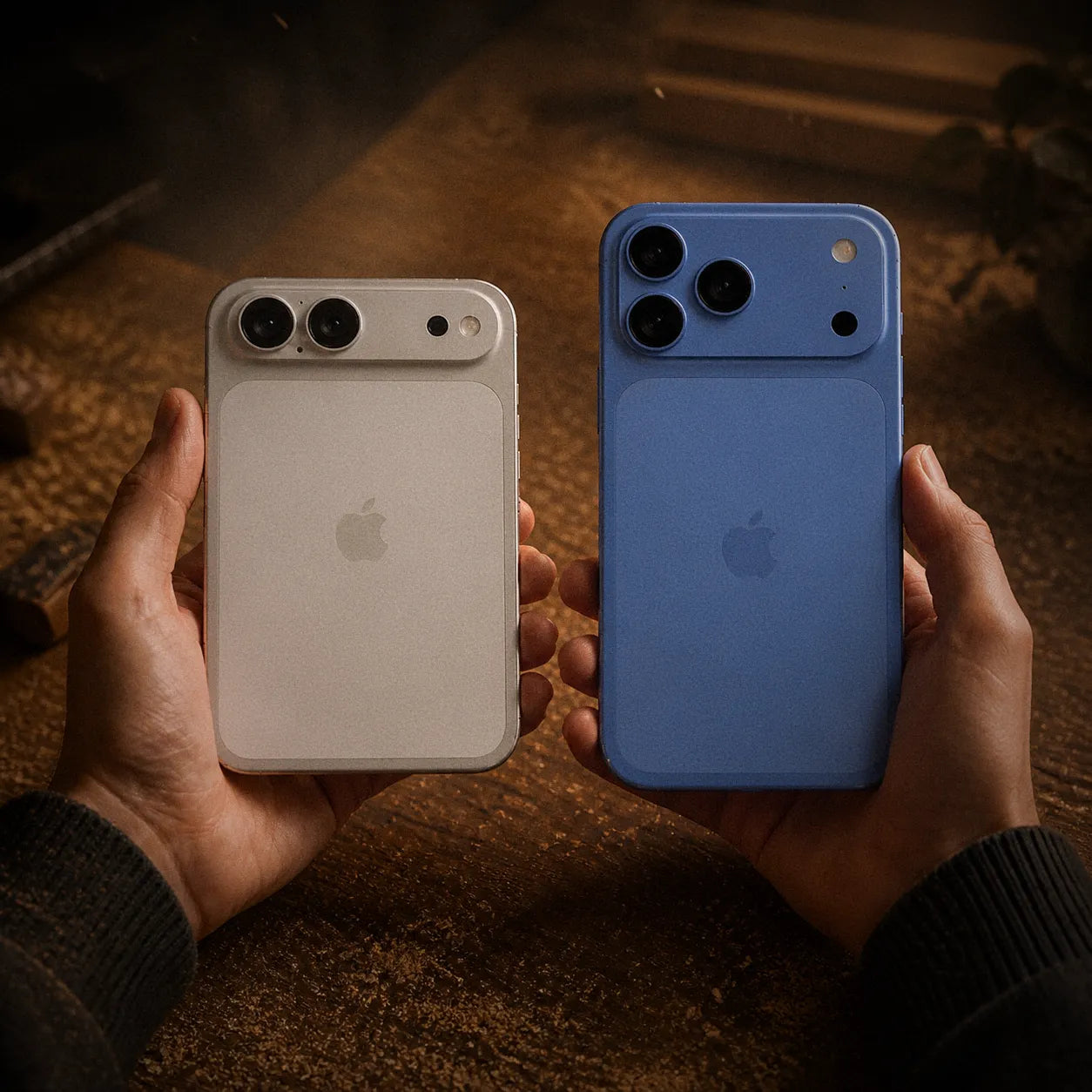
iPhone 18 Pro, 18 Pro Max and iPhone Ultra – rumors, specs and Case
iPhone 18 Pro, iPhone 18 Pro Max, and the foldable iPhone Ultra are rumored to launch in September 2026. We’ve rounded up the rumored specs and answer the question everyone’s searching for: will iPhone 17 Pro phone cases fit the iPhone 18 Pro? In Lastu’s range, yes — the case is the same.
Read moreabout iPhone 18 Pro, 18 Pro Max and iPhone Ultra – rumors, specs and Case