




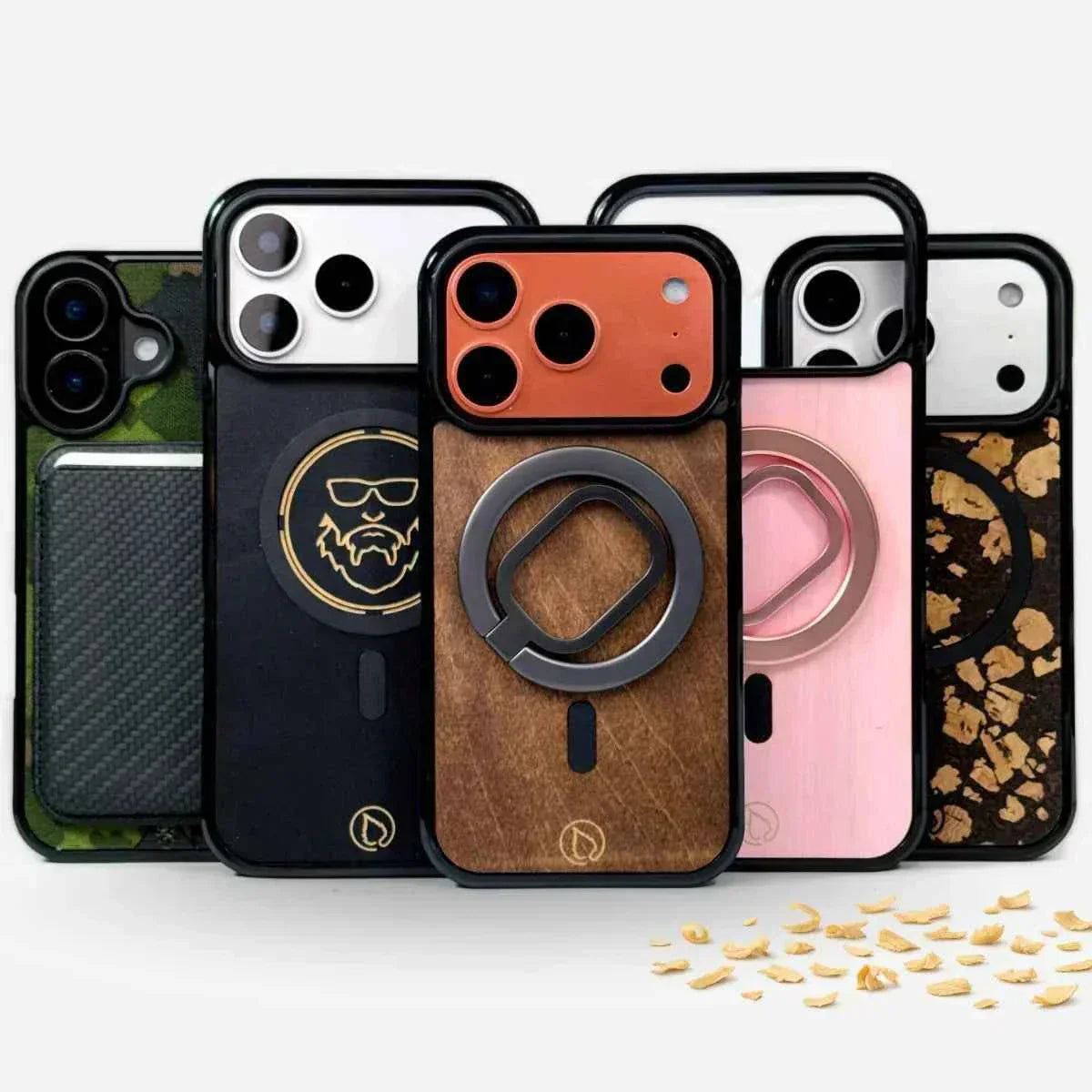
MagSafe phone cases vs. regular phone cases — what’s the everyday difference?
If you use your phone in a pretty normal way, any phone case can feel good. But as soon as accessories enter the picture — a finger grip, wallet, stand, car mount — the differences between MagSafe phone cases and regular phone cases start showing up every day.
Here’s a practical comparison: what changes, what benefits MagSafe actually brings, and when a regular phone case is enough. You’ll find the basics in the articles what is MagSafe and do you need a MagSafe phone case.
Which should you choose: a MagSafe phone case or a regular one?
Choose a MagSafe phone case if you use or want to use accessories, wireless charging, or the freedom to switch your setup to match the moment. A regular phone case is enough if you want to keep your phone completely minimal and accessories don’t interest you. If you’re on the fence: go MagSafe. It doesn’t force you to use accessories, but it opens the door to them later — without a new phone case.
 Comparison
Fixed accessory or quick swap?
You can attach all kinds of things to a regular phone case: an adhesive finger ring, pop grip, card pocket, stick-on stand, magnetic plate for the car. The problem isn’t that it doesn’t work — the problem is that the attachment makes the choice for you. If you add a wallet, it’s there even when you don’t want it. And if you ever remove an adhesive part, it can leave marks or damage the surface — especially if the phone case is finished or personalized.
The idea of a MagSafe phone case isn’t magnet for magnet’s sake, but quick swapping: attach a card wallet in the morning, a grip after work, a stand for an evening video call — and at night, remove the accessory and turn on wireless charging.
| Everyday situation | Regular phone case + adhesive | MagSafe phone case |
|---|---|---|
| Changing an accessory | Re-glue it, leave marks on the surface | Snap off, snap on |
| Wireless charging | Unreliable or blocked completely | Accessory off — charging works, phone case stays on |
| Position adjustment | Fixed — wherever you glued it | Round ring: rotate and fine-tune |
| Phone slips smoothly into your pocket | The bump is always there | Add the accessory only when you need it |
| Personalized surface | Glue covers or damages it | Image and logo stay untouched |
Things you don’t notice until you try it
- Minimalism without compromise: the phone case can look good and feel slim, because the accessory isn’t a permanent bump.
- One phone case, many moments: a mount in the car, a grip at the café, a wallet when traveling. With MagSafe, switching is quick — with a regular setup it’s often “yeah… can’t be bothered.”
- Better grip, fewer accidents: a finger grip is basically insurance, because your phone is less likely to slip out of your hand.
- Adjustability: thanks to the round MagSafe ring, for example the KRIP 2.0 finger grip turns naturally into position for both portrait and landscape use.
- The phone case stays clean: when the attachment isn’t glued on, you don’t have to tear up and patch the surface — especially useful if the phone case is personalized with your own image or logo.
Does MagSafe work on phones other than iPhone?
Yes — when the phone case is built right. If you have an Android and want to use MagSafe accessories, the most important thing is that the phone case’s magnetic ring is designed specifically for accessory grip and alignment. Lastu phone cases are: you can get a MagSafe-compatible phone case for example for the Galaxy S26, S26 Ultra and OnePlus — not forgetting the iPhone’s latest 18 Pro models.
Read more: MagSafe on iPhone and Android — do you need a MagSafe phone case?
Recommended MagSafe add-ons
The easiest way to start: pair a MagSafe phone case with one add-on. When everyday life changes, you can swap the add-on — the phone case stays.
And if your phone case is in your hand every day, it should look the part too: build your phone case from your own choices — material, your own image or logo — and add MagSafe with one selection. We explained why the combination works in the article MagSafe + personalized phone case.
Frequently asked questions
Can I add MagSafe even if I choose a “regular” phone case?
Yes — at Lastu, MagSafe can be selected as an extra option for almost every phone case when you order. You get the benefits of the MagSafe ecosystem without a separate phone case model.
Does a MagSafe wallet or grip actually stay attached?
With a well-made MagSafe phone case, yes. What matters is that the magnetic ring is designed to hold add-ons securely — not just to be a magnet on paper.
What if I always use just one add-on?
In that case, a regular solution may be enough. But if you ever want to switch — or keep the phone case completely smooth now and then — MagSafe makes it easy.
What’s the easiest way to start using MagSafe?
Pair a MagSafe phone case with one add-on, such as a grip or card wallet. When everyday life changes, you can swap the add-on — the phone case stays the same.
Want to try it in practice?
Start with a MagSafe phone case and one add-on. You’ll figure out the rest yourself — usually within the first week.
M05 explained: forest, frost, snow & M04 — and why M05 Case is the right everyday camouflage
The Lastu story: 15 years of Nordic phone cases made from natural materials