






Phone Case with Your Own Engraving
Engraving with your own image – here’s how it works
When you upload an image, the page’s AI automatically turns it into an engrave-ready image – basically a clear, black engraving design. After that, you can place the image on your case and freely adjust the size. On mobile, you can easily do this with your fingers: pinch, move, and set it exactly where you want. Even though the preview appears black, the final result will be the color of the wood on the product, as you can see below.
When the preview looks good, click Add to cart – and your case will look just like the preview.
Ideas and customer engraving creations
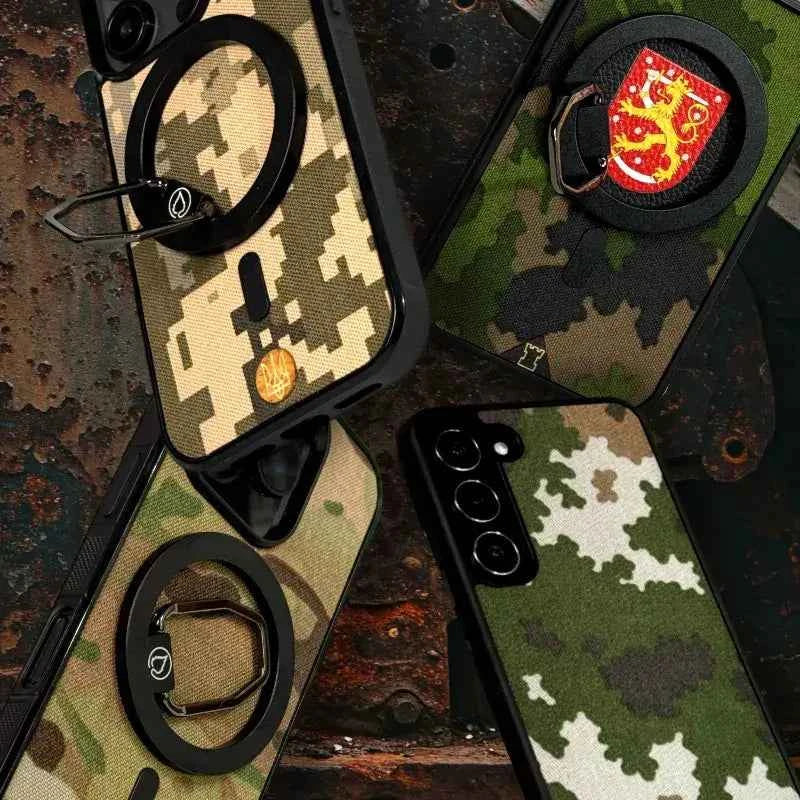
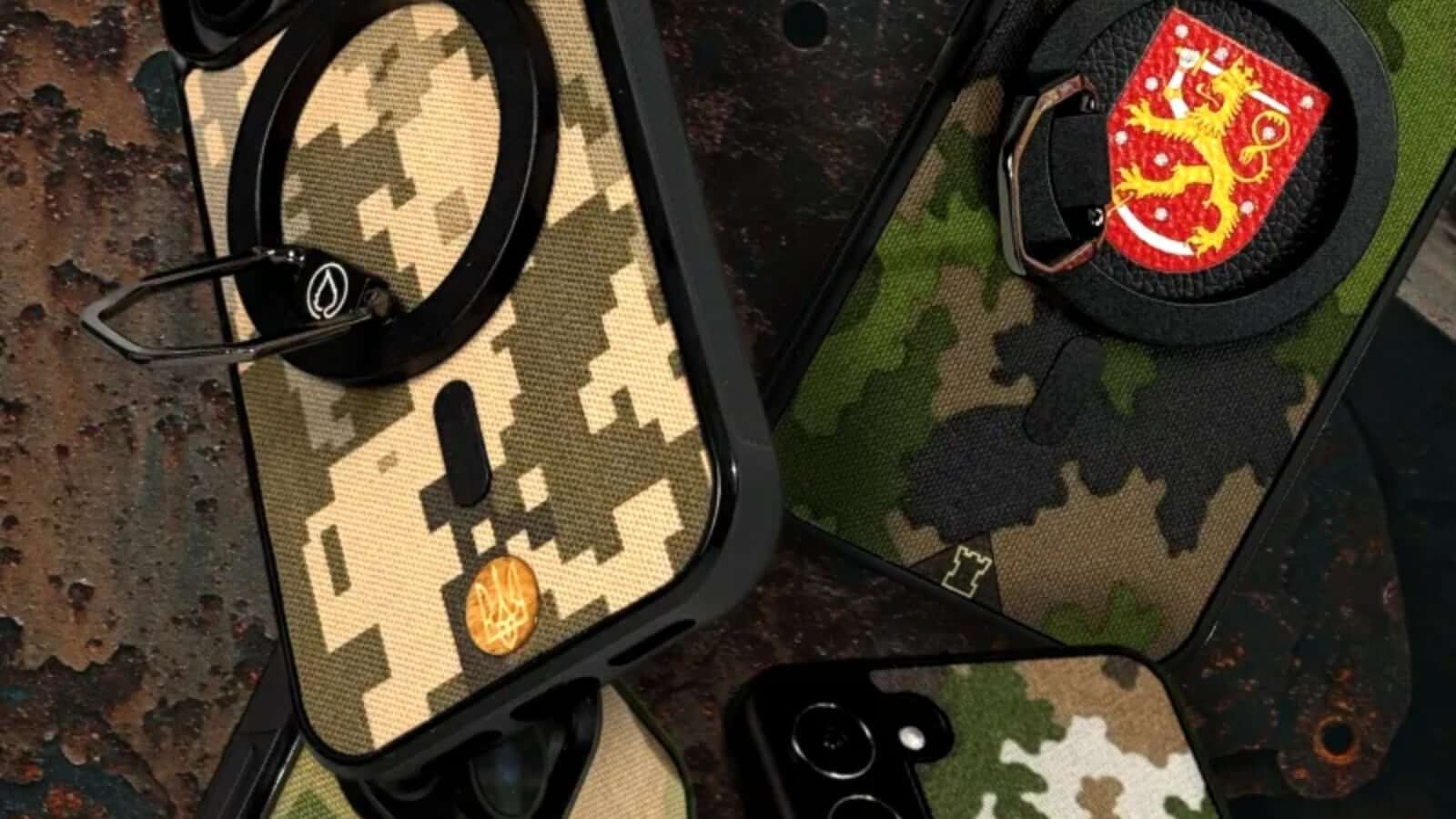
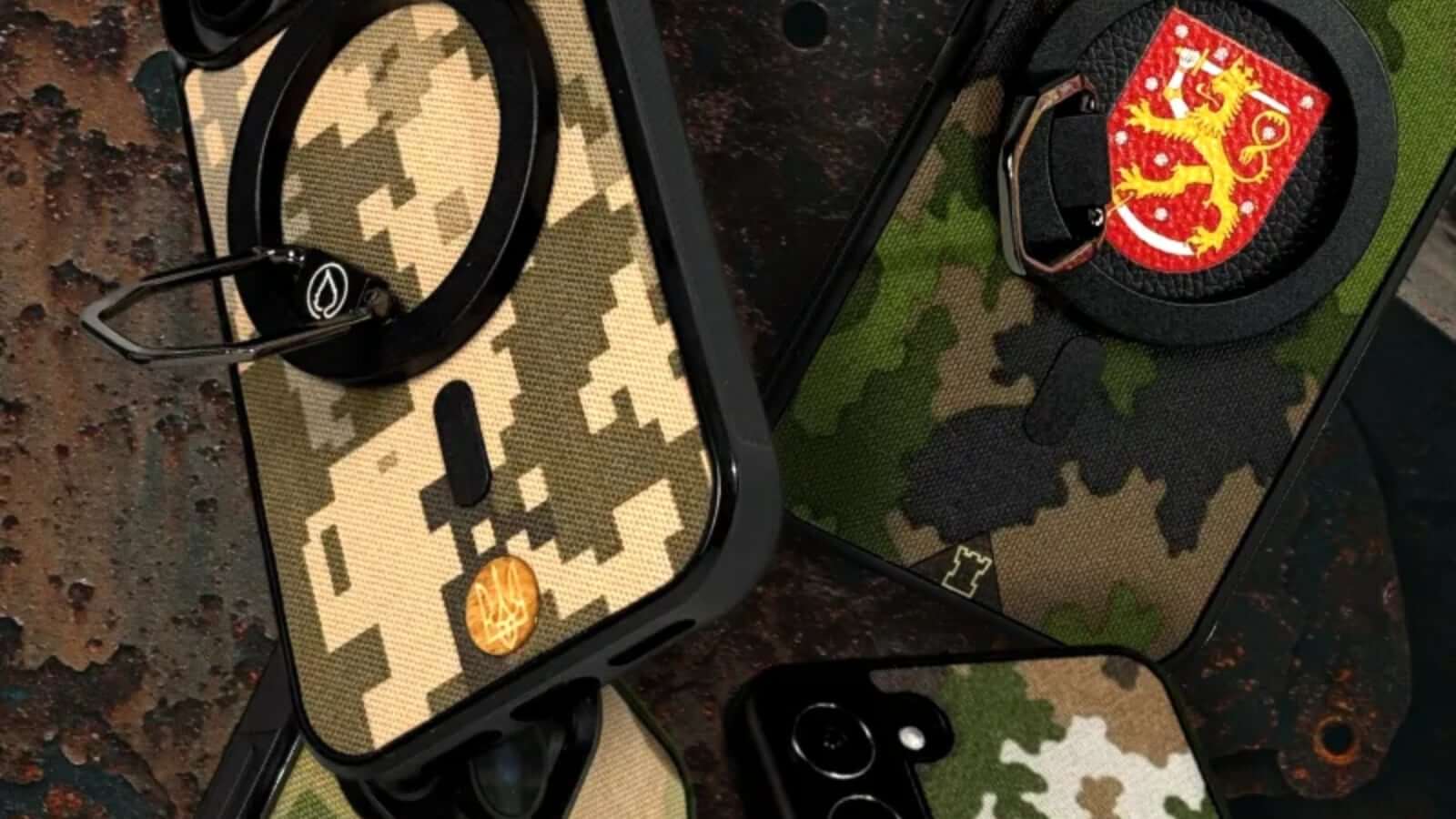
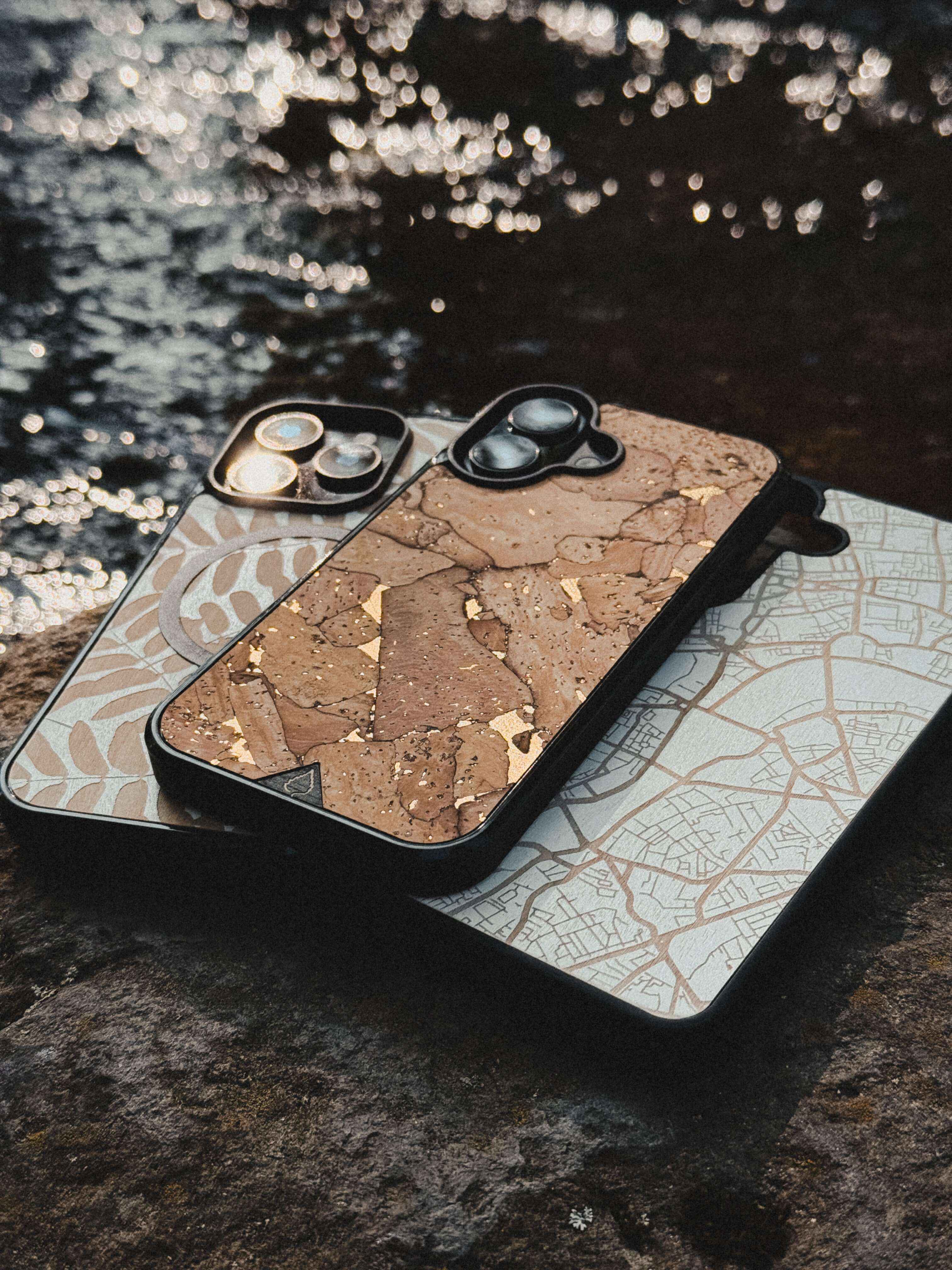
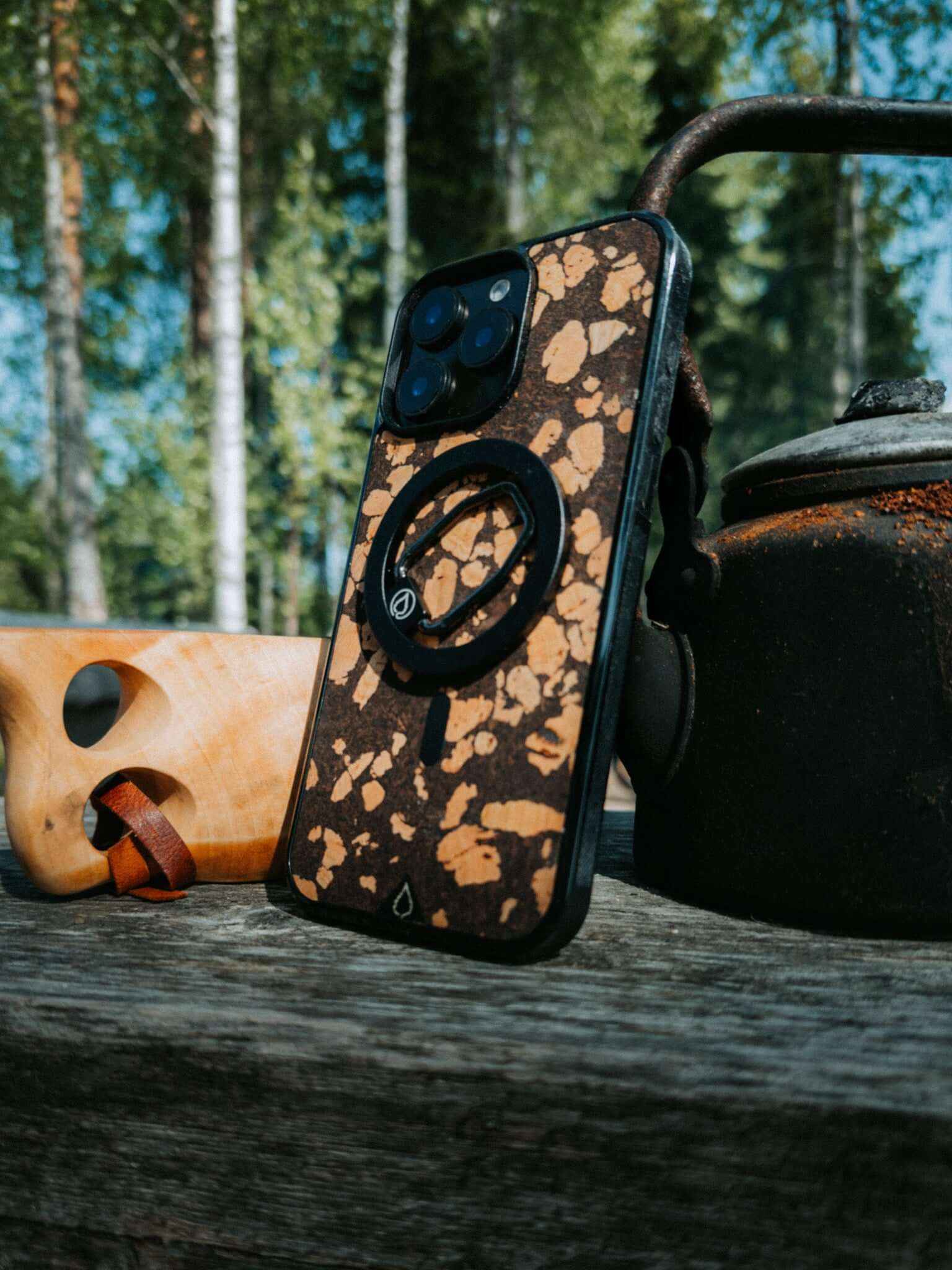
Here are a few examples of what customers have done: pets, logos, symbols, texts, lines, and minimalist patterns. Get inspired – or create your own unique style.
@lastucase
@lastucase
@lastucase
@lastucase