









MagSafe has quickly become a standard term for phone accessories. But what does it really mean in everyday life? Does MagSafe only work with iPhone – what about Android? And most importantly: does your phone really need a MagSafe case or is it just marketing?
This article answers the most common questions directly, without hype and without technical jargon.
MagSafe works with iPhone – but what about Android?
The short answer: yes, MagSafe can also work with Android phones, as long as the case is made right.
iPhone and MagSafe
Apple built MagSafe into iPhones:
- there is a magnetic ring inside the phone
- the MagSafe charger and accessories automatically snap into the right spot
- charging is more stable and accessories stay in place
With iPhone, MagSafe works straight away without compromises.
Android and MagSafe
Android phones usually don’t have a built-in MagSafe magnet. However, this doesn’t stop you from using MagSafe.
The solution is a MagSafe-compatible case, where:
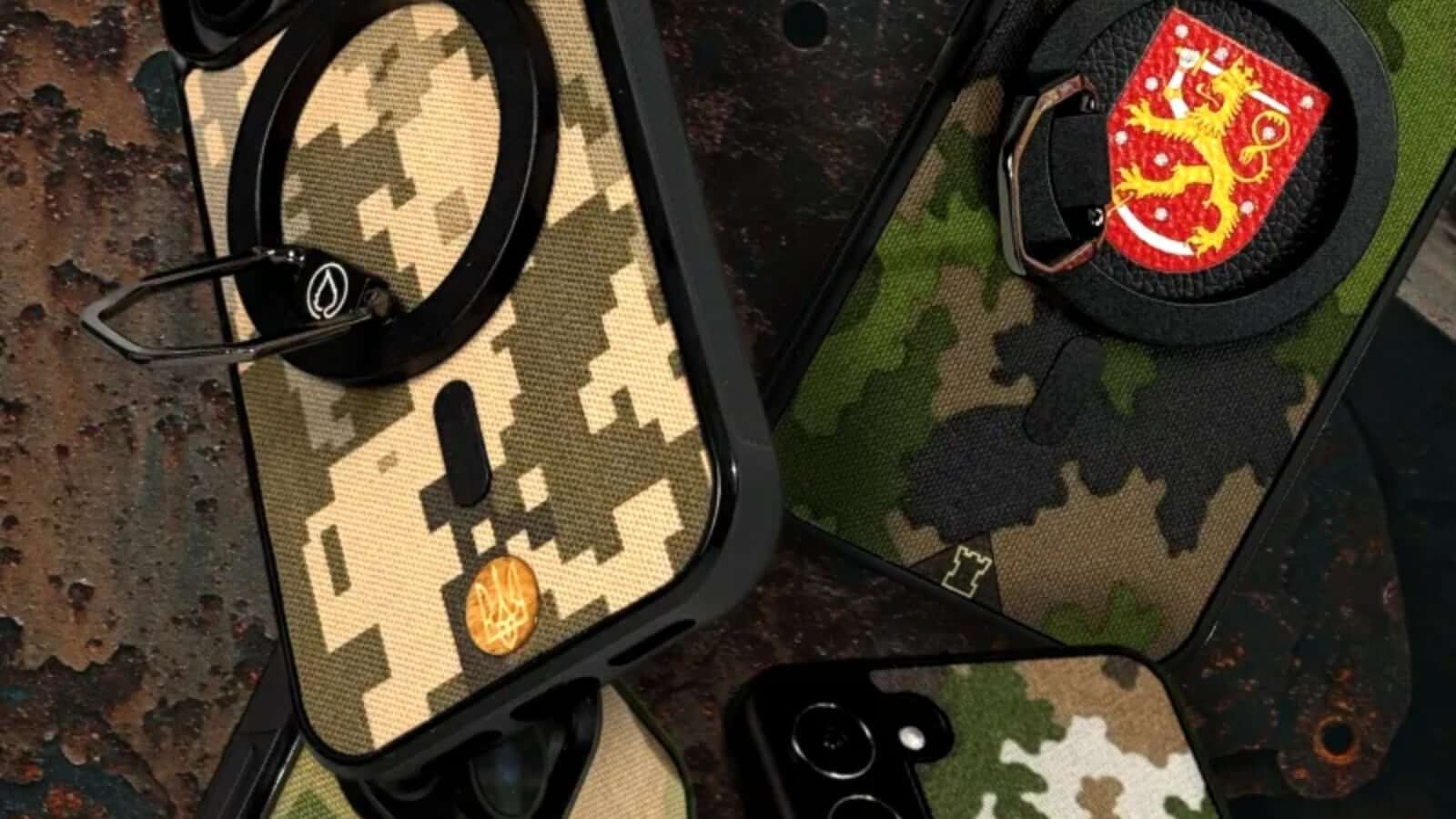
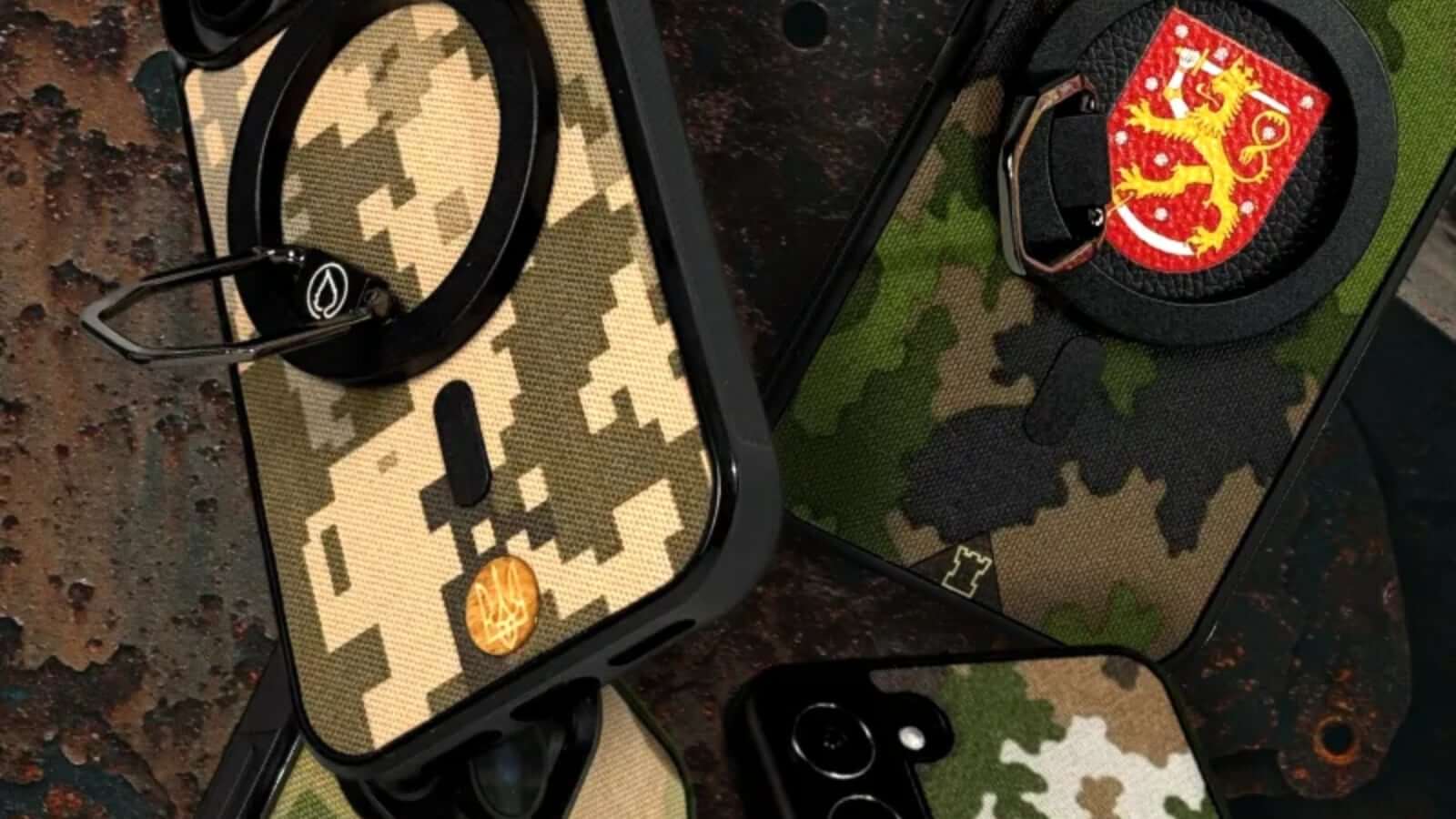
- the magnetic ring is inside the case
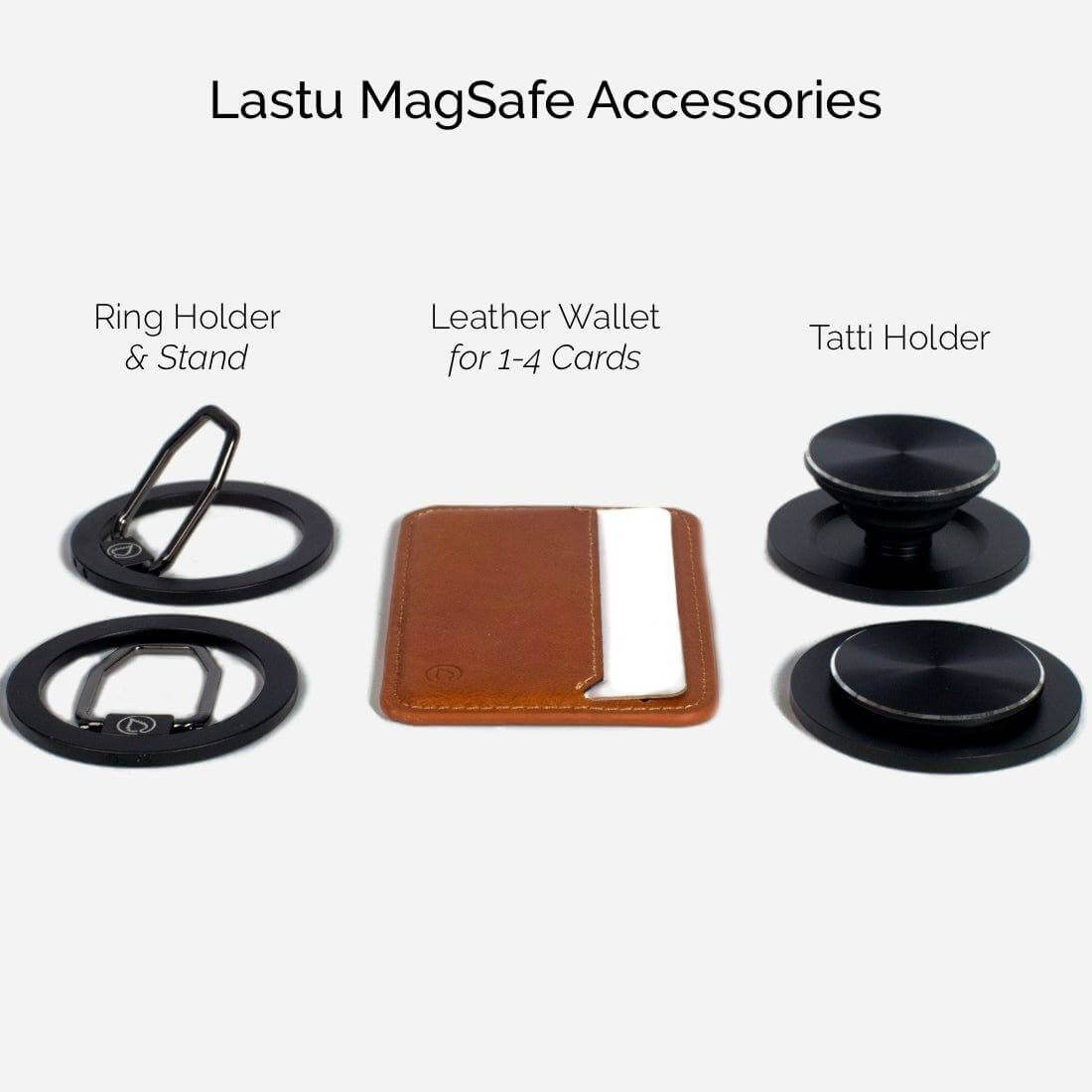
- accessories (charger, wallet, finger grip, car mount) work as usual
- wireless charging works as before, often even more reliably
MagSafe is no longer just for iPhone. With the right case, Android users get the same benefits.
Does your phone need a MagSafe case? 5 most common questions and answers
1) Is MagSafe only for wireless charging?
No. This is the most common misconception.
MagSafe brings you:
- more reliable wireless charging
- accessories that snap into place (wallets, finger grips, car mounts)
- less fiddling: you don’t have to “find the right spot” on the charging pad
2) Does MagSafe work if my phone already has wireless charging?
Yes. MagSafe doesn’t replace wireless charging – it makes it easier to align and often more stable. The magnets guide the charger to the right spot, so charging doesn’t cut out as easily.
3) What if I don’t use a MagSafe charger?
Even then, a MagSafe case can be useful if you use MagSafe accessories: for example, a car mount, wallet or finger grip.
If you don’t use any accessories or wireless charging, MagSafe isn’t necessary – but it might be “that feature you didn’t know you needed” until you tried it.
4) Do MagSafe wallets or finger grips really stay attached?
When the case’s magnetic ring is well made, accessories stay firmly in place in daily use. In practice, you’ll notice the difference right away: the accessory doesn’t slide or spin like a regular “sticky grip.”
If you use MagSafe accessories, it’s worth choosing a case where MagSafe is designed specifically for holding accessories – not just “a magnet somewhere in there.”
5) Does a MagSafe case affect how the phone feels or works?
Most of the time, the effect is positive: the phone feels more “manageable” in daily life, as accessories stay put and charging lines up right the first time.
The only real downside comes if you use accessories that make the phone thicker (like a wallet). But that’s a choice: extra features vs. the slimmest possible look.
Summary: iPhone or Android – MagSafe is worth it if you use accessories in daily life
If you use wireless charging or want accessories that snap into place without hassle, a MagSafe case is a smart upgrade – also for Android.
And if you’re not using any MagSafe stuff yet: a good case is still the easiest way to “keep the door open” so you can later add a wallet, finger grip or car mount – without having to change your whole setup.
Do you want MagSafe – or do you want to leave it out?
With Lastu, MagSafe can be included or left out, as you choose. Same case, same style – but daily life can change surprisingly much when charging lines up and accessories stay with you.
Tip: MagSafe works especially well with accessories, like a MagSafe finger grip or MagSafe wallet.


